
A custom Arch Linux distro built around a practical, opinionated setup for desktop, server, and kiosk use, focused on ease of setup.
View the source and installation guide on GitHub
Desktop Edition
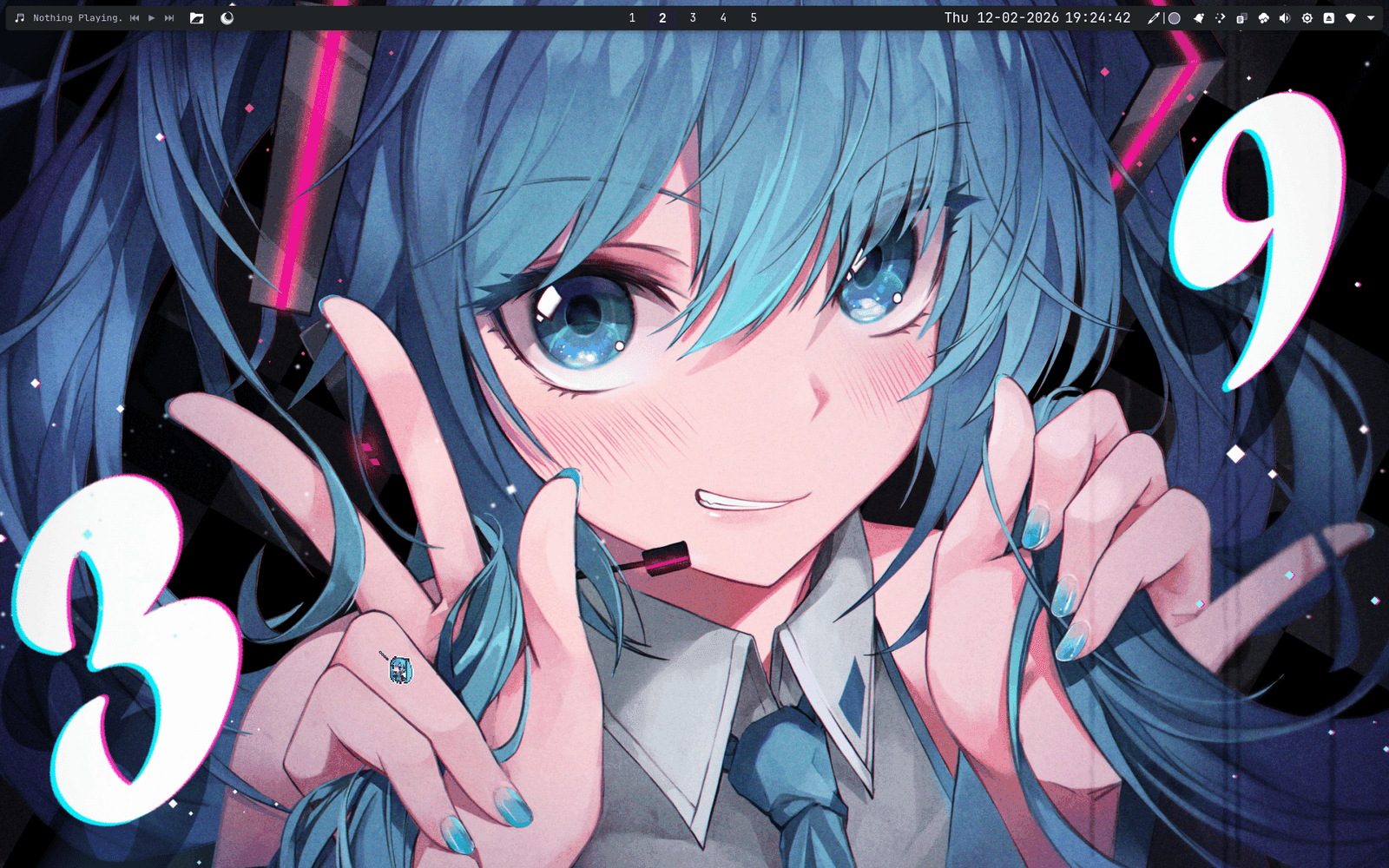
FrosteArch Desktop is where it all began. When I first started using Linux, I did a bit of distro hopping. Eventually, I got sick of the whole 'reinstalling everything' malarkey, so I began making a script to install the packages I want. Eventually, it became a distro that has EVERYTHING I could use my PC for. This is no 'hyper lightweight, bloat is the enemy' system (Though it *is* light and efficient.)
For gaming, it comes with Steam pre-installed, along with wine and proton. AMD drivers are pre-installed, so don't even think about worrying. Nowadays, what more do you need?
Coding is ready from first boot: Python, PHP with Composer, Node.js with npm, Docker and Docker Compose, Git, and VS Code, backed by build tooling like make and cmake.
On the creative side, Krita, Blender, Kdenlive, OBS Studio, Audacity, and Darktable cover illustration, 3D, video editing, streaming, and photo work.
Music production gets special treatment too: a dedicated setup script configures a Wine prefix specifically for FL Studio and the Hatsune Miku V4X & Piapro Studio, sidestepping what is historically one of the most painful things to get working on Linux.
Underneath all of that sits ordinary desktop polish - KDE Plasma that is highly customised with multiple themes and preset widgets, printing and scanning supportvia CUPS and SANE, and Wacom tablet drivers configured out of the box.
Server Edition
FrosteArch Server, as the name implies, is a server-focused edition. I am aware using Arch Linux as a server is somewhat unconventional, but if you know what you're doing, it works just fine.
It keeps enough local tooling to allow localised debugging: a terminal, a file manager, a text editor, but also keeps SSH open for standard remote access.
Security's handled automatically too - ufw is enabled out of the box with only the ports each running service actually needs left open, rather than everything wide open until someone remembers to lock it down.
Plex Media Server is installed and enabled from first boot, so once you point it at a library it's straight into transcoding and streaming - no extra setup required.
For network storage, Samba handles file sharing, with wsdd making the server show up properly in Windows' Network browser. Cockpit sits alongside it as a proper web GUI for managing shares, disks, and RAID arrays, backed by smartmontools keeping an eye on disk health in the background.
Glance ties it all together as a self-hosted dashboard on port 8080 - weather, news, and server stats, sure, but also a genuinely custom-built finances page with bank sync, budget tracking, and recurring-payment detection, plus meal-planning widgets with their own recipe rotation. All of it's driven by small systemd-timer helper scripts running quietly in the background.
Home Assistant runs containerised on port 8123 for smart-home control, with support for a Zigbee coordinator dongle if you plug one in. Its data lives outside the container, so it survives reinstalls, and updating it is just a docker pull and a restart.
Node Edition
FrosteArch Node is... minimal. Its entire job is to boot, log into a KDE Plasma session, and open Firefox to the Glance dashboard hosted by FrosteArch Server. Sleep, suspend, and hibernate are disabled when plugged in, so it stays reachable as an always-on appliance, and it shares the same ufw firewall baseline as the other editions.
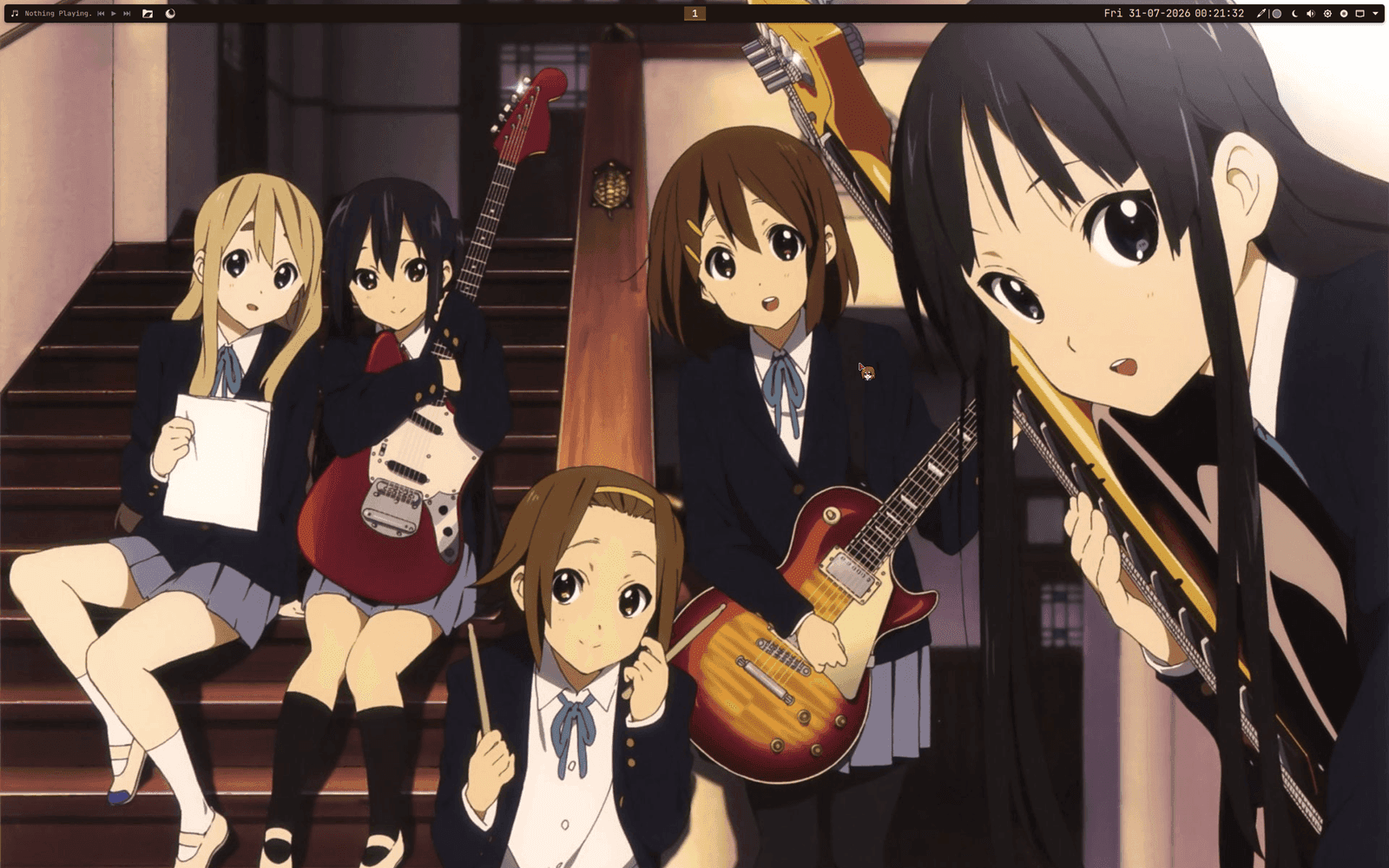
It's theme is pretty cute though.